

Compare Nanit’s camera, nursery bundle and add-on offers by what they include, which families benefit, and what to confirm before checkout.
Baby monitor offers can be hard to compare when one listing is a camera, another adds a display and stand, and a third packages several nursery tools together. Nanit’s US store presents all three kinds of purchase, so the useful question is what each configuration actually adds to a family’s setup.
We looked at the store’s current product pages and offer presentation. The promotional banner can change, and the final configuration, eligible items and checkout total depend on the live listing. This explainer focuses on how to assess the offer structure without treating a temporary banner as a lasting price promise.
Disclosure: this post includes affiliate links, and we may be paid a commission on purchases made through them.
Highlights
- Smart Baby Monitor System can be configured with a Floor Stand or Wall Mount, and with camera-only or a Home Display option.
- The Best Sellers Bundle groups the monitor with a Home 8-inch Display, Flex Stand and Travel Case, with setup choices to review.
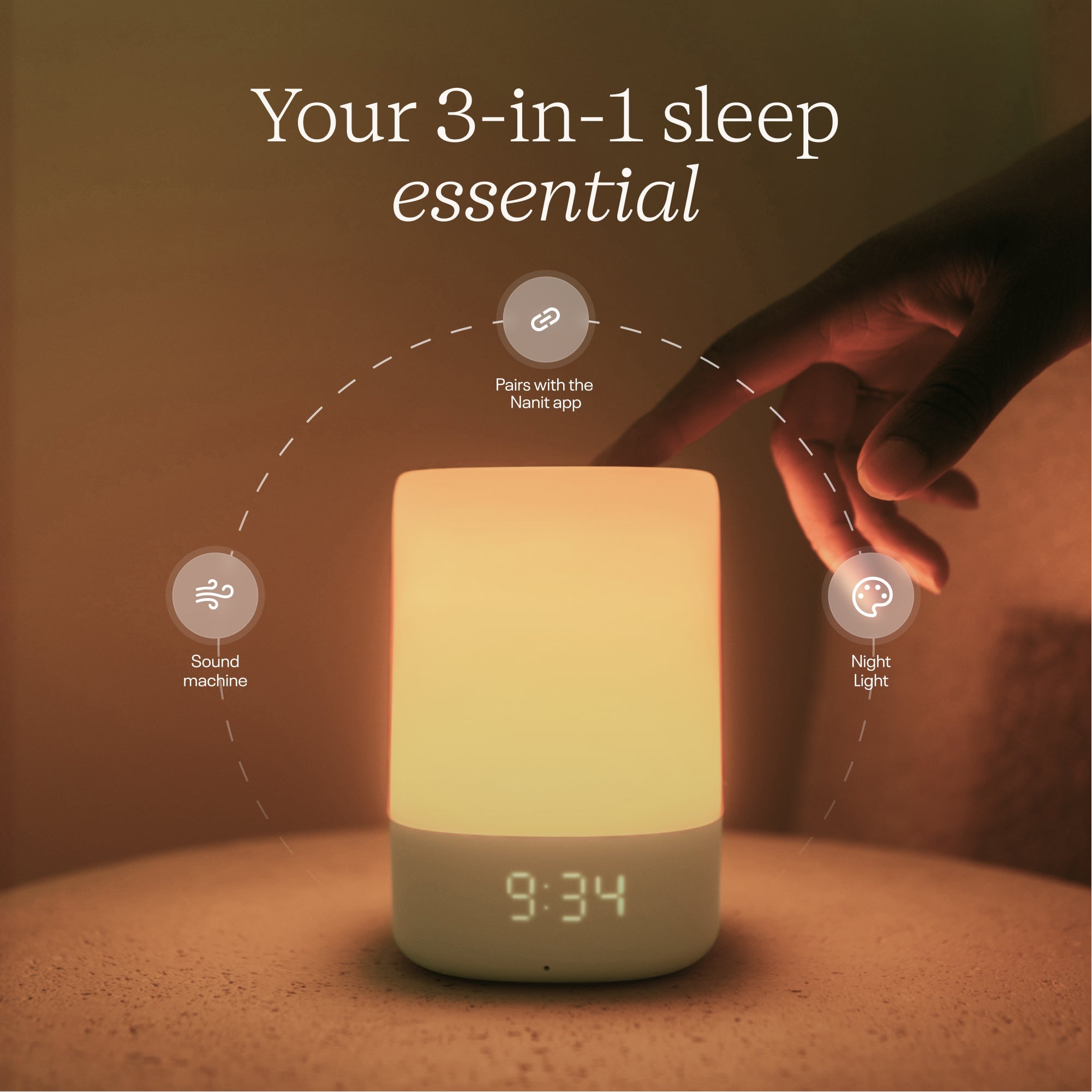
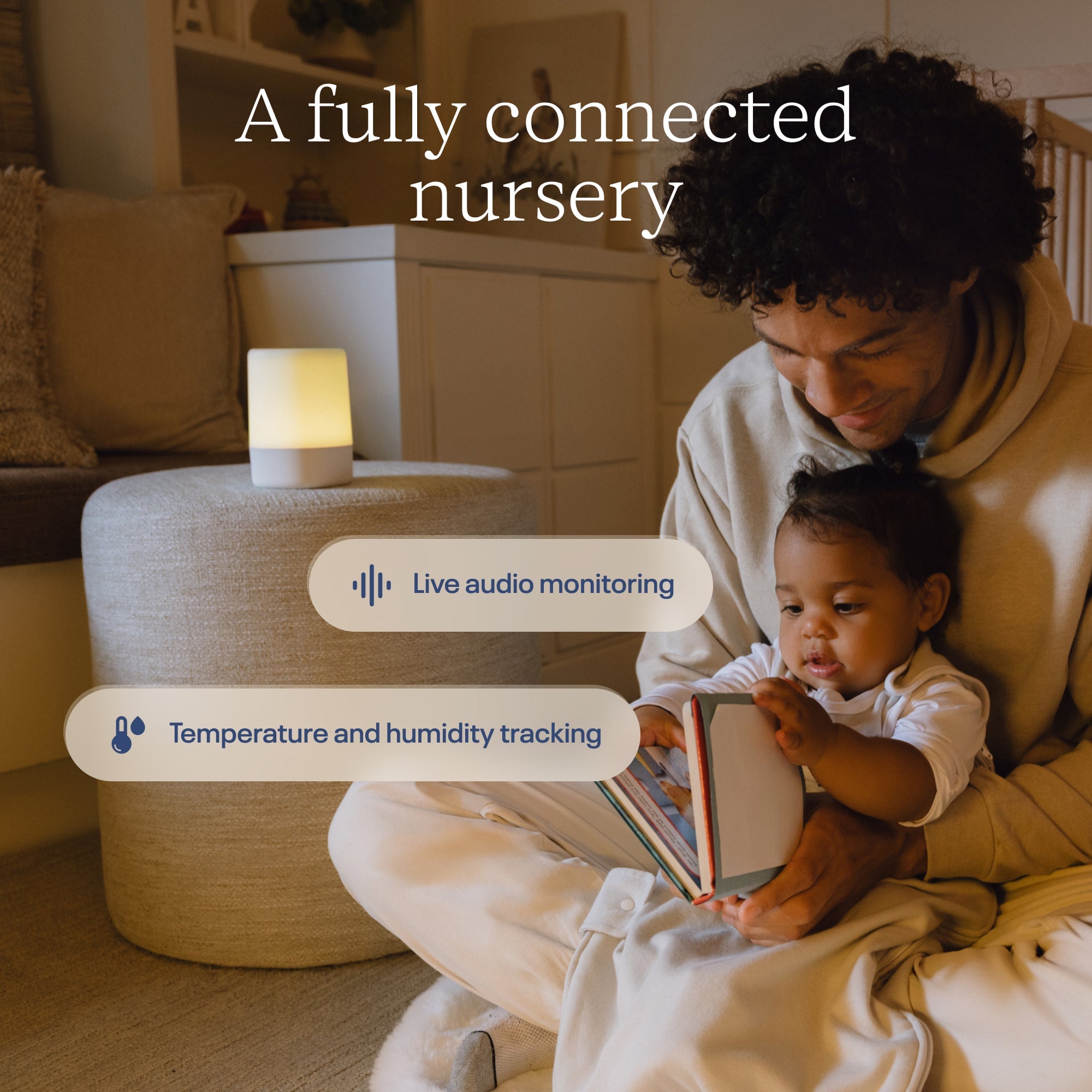
- Sound + Light Machine adds app-controlled lighting and sound, plus audio monitoring and room-condition tracking features.
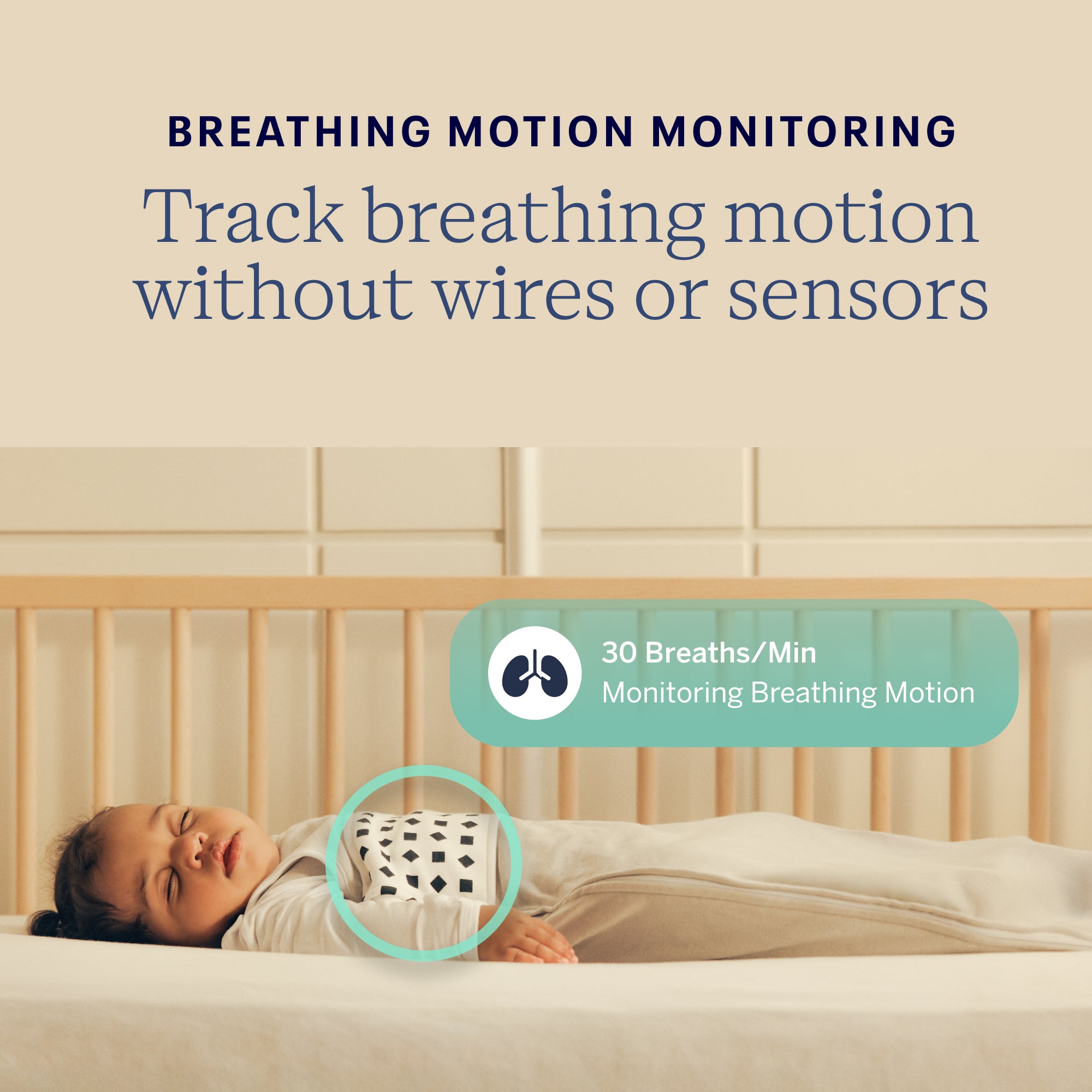
- Breathing Band is washable cotton with no built-in electronics; it relies on the compatible camera to read its pattern.
- Nanit’s promotions can rotate, so confirm eligible products, configuration, membership details and final cost on the store page.
Nanit promotions vary by product and configuration
Nanit’s US homepage groups its offer messaging around smart monitors, accessories and bundles. That can make a discount look straightforward at first, but product pages show that the same family of equipment has several configurations. A monitor listing may have camera-only and camera-plus-display options, while mount type also changes the physical setup. A banner is therefore a starting point, not a substitute for selecting the exact version and checking its cart total. You can compare monitor configurations here.
We would treat the store promotion as most useful for shoppers who have already decided they want a Nanit product and are choosing between buying the core camera alone or adding compatible equipment. Parents comparing unrelated monitor brands should still compare the core features, ongoing membership options, mounting needs and compatibility, rather than focusing only on a displayed saving. Start by looking at the Smart Baby Monitor System configuration you would actually use.
- Choose the core monitor if video and alerts are the priority.
- Compare bundles if you also need a display or portable gear.
- Add nursery extras only when they replace a device or solve a specific need.
The promotion may be applied to selected product pages or bundles, and the terms can change. Before ordering, check whether the offer appears on the chosen variant, whether a code or automatic cart adjustment is needed, what shipping and taxes add, and whether the purchase includes any trial or membership enrollment. The product listing and checkout screen are the definitive places to confirm those details. Recheck the monitor page when finalizing your choice. For the bundle route, compare the Best Sellers Bundle configuration against separate items.
Smart Baby Monitor System suits a planned nursery setup
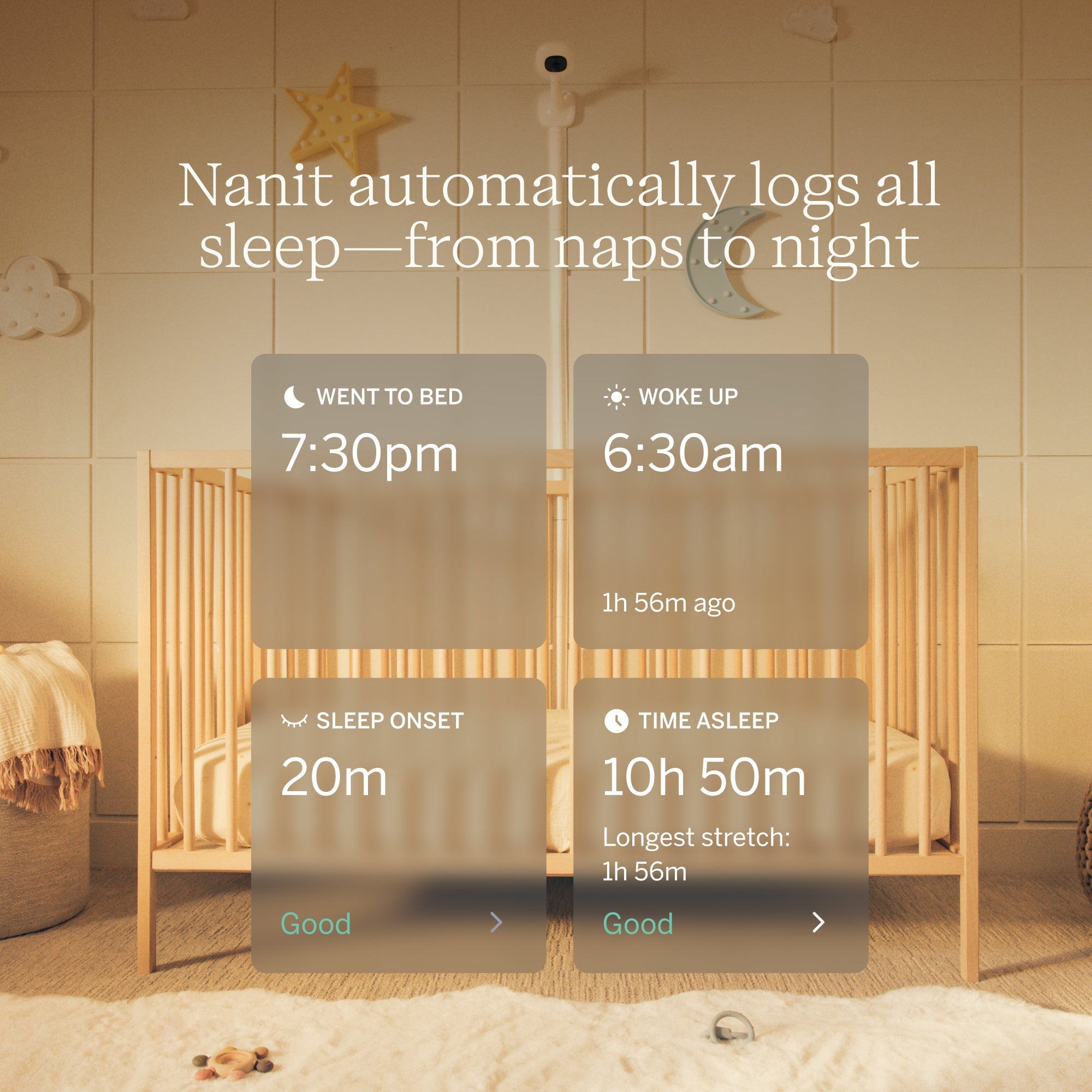
The Smart Baby Monitor System is the most direct route into Nanit’s camera platform. The listing describes HD video, live viewing, real-time sound and motion notifications, and optional sleep insights. Families who mainly need a dependable view and alerts can begin with the core camera configuration; households that want a dedicated screen can compare the Home Display version before deciding. Review the camera and display options on the current product page.
Mounting deserves attention because it affects the day-to-day view. Nanit offers a Floor Stand and Wall Mount configuration. The overhead position is the relevant choice for the fullest view and sleep tracking, while the Flex Stand supports moving the camera between rooms or packing it for travel, with a narrower field of view and more limited sleep analytics. Families should decide where the camera will live before buying extras. The monitor listing shows the current stand choices.
- Choose the camera alone if you already have a phone or tablet available for viewing and want to keep the setup lean.
- Consider the Home Display if you prefer a dedicated screen within the home rather than relying on a phone.
- Check the mount against the crib, room layout and whether portability matters.
- Review membership details separately: Nanit says core live view, sound and motion alerts, two-way audio and other basics do not require a plan, while some history and insights features do.
The main limitation is that the richer sleep and video-history tools are tied to membership terms and, for some features, a compatible mount. We would compare the no-plan basics with the paid features you expect to use, then check the current Smart Baby Monitor System options before considering an upgrade.
The Best Sellers Bundle brings travel and viewing extras together
The Best Sellers Bundle is designed for buyers who want multiple pieces in one order. Nanit’s listing identifies a Home 8-inch Display, Flex Stand and Travel Case among its inclusions, with choices for mount and color and a camera-only or camera-plus-display setup. Those options matter: check the selected configuration carefully so the items you expect are actually included.
A bundle can reduce the work of finding compatible extras, and it makes sense for a new nursery that needs both a home viewing option and a portable arrangement. The value is less obvious if you already own a suitable tablet, do not expect to travel with the camera, or only want a fixed overhead monitor. In those cases, buying a simpler configuration and adding only what solves a real need may be the better fit. Compare the selected contents on the bundle page before assuming it replaces every separate purchase.
Before checkout, use this quick check:
- Confirm the mount shown in the selected option and whether it suits the intended location.
- Check whether the Home Display is included in that exact configuration.
- Look for the Travel Case and any other named bundle contents in the product details.
- Read the current promotion terms and compare the final configured total with the equivalent items listed separately.
The bundle page is still the best place to verify contents because offer combinations can be revised. A current Best Sellers Bundle listing also lets you review the color and mount choices in the same place. Verify the chosen display and travel accessories before adding it to your cart.
Sound and breathing add-ons solve different nursery needs
The Sound + Light Machine is an add-on for families who want lighting and sound in the same nursery system. Nanit’s page describes soothing sounds, adjustable light, app controls, audio monitoring, cry detection and temperature and humidity tracking. It may be useful when replacing a separate sound machine or night-light, but buyers should compare its functions with devices they already own to avoid paying for duplicate features. See the Sound + Light Machine listing for its current controls and included functions.
Its connected features also have practical boundaries. App controls depend on a compatible phone and internet connection, and Nanit notes that some integration features require an Insights membership. Check which controls work independently and which need a plan before treating the product as a complete substitute for a basic standalone device. See the Sound + Light Machine product details for the current feature list and options.
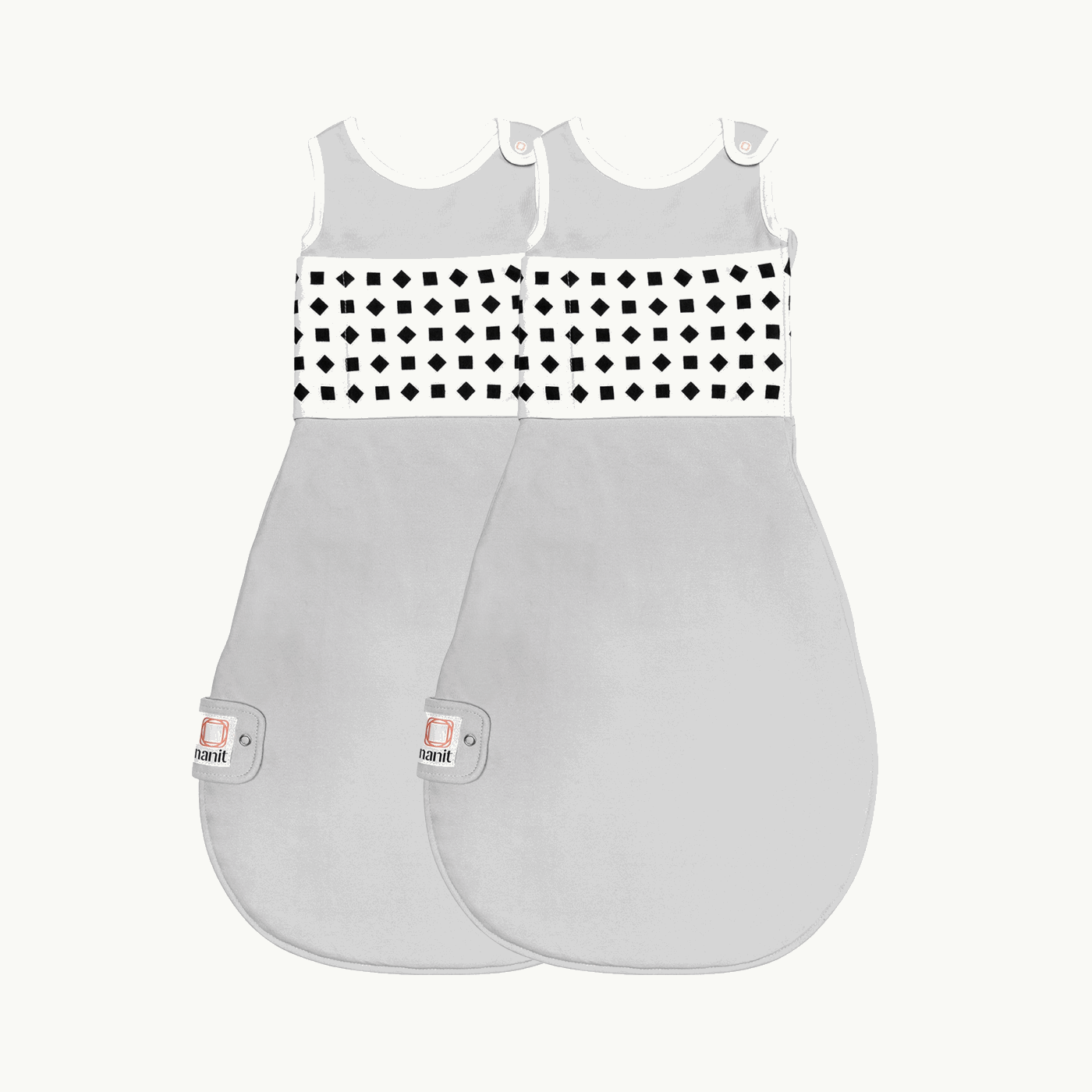
Breathing Band serves a different purpose. The store describes it as washable cotton with a custom pattern that the compatible camera reads to monitor breathing motion; the band itself contains no wires, sensors or battery. It is for families who want to use Nanit’s camera-based breathing feature and are comfortable following the size guidance. It is not a stand-alone monitor or a medical diagnosis tool. Review the Breathing Band compatibility notes with the camera you select.
- For bedtime sound and light: compare the Sound + Light Machine with a separate room device and confirm subscription-dependent functions.
- For camera-based breathing motion: check the Breathing Band size and compatibility with the Nanit monitor.
- For basic video monitoring: these add-ons are optional; prioritize the camera and mount first.
The Breathing Band’s product page includes sizing and care details. That is worth a look before choosing a size, particularly if you are buying ahead and need to match the baby’s current measurements rather than relying only on an age label. The size and care details are on the item page.
Offer terms and setup details are worth checking first
Nanit’s page may display seasonal or rotating promotions, but no single discount should be assumed to apply to every product or configuration. Our practical recommendation is to treat the advertised offer as a prompt to compare the specific options you want, then verify the final order details at checkout. Do not rely on an old screenshot, an expired code or a banner that does not reappear on the selected item.
Check these details immediately before placing the order:
- Eligible item: make sure the chosen camera, bundle or add-on is part of the promotion.
- Configuration: confirm mount, display, color, pack and size selections.
- Final amount: review the cart after shipping, taxes and any selected extras appear.
- Membership: distinguish a trial from a continuing plan and read its renewal conditions.
- Returns and warranty: review Nanit’s current store policy and the terms shown for your order.
Nanit lists a money-back guarantee and product warranty on its store, but the precise conditions should be read on the current policy pages. The important point is to keep product, membership and return terms together in view; a low headline price alone cannot tell you the ongoing cost or whether a bundle is useful for your home.
The right Nanit offer depends on what is missing
For a first nursery setup that needs a camera, a dedicated display and portable accessories, the bundle is the simplest package to assess. For a family with a clear mounting plan or existing equipment, the configurable Smart Baby Monitor System gives more room to choose only the needed pieces. The Sound + Light Machine and Breathing Band are targeted add-ons, not required parts of basic monitoring.
- Choose a monitor configuration for live viewing and alerts.
- Choose the bundle when display and travel pieces are genuinely useful.
- Add the sound or breathing product only for that specific function.
We would start by writing down the actual gap: remote video, an in-room screen, portability, bedtime sound, or camera-based breathing motion. Then compare the product page options and decide whether a current promotion meaningfully reduces the cost of that exact setup. The sensible offer is the one that fits the use, with no unused extras and no unplanned membership.
Questions families ask before choosing an offer
Does Nanit require a membership to use the monitor?
Nanit says an Insights plan is not required for core live viewing, sound and motion alerts, background audio, two-way audio and other basic functions. Video history, sleep insights and coaching are among the features associated with membership, so compare the current plan details against what you intend to use. The Smart Baby Monitor System page identifies the current core features.
What is included in the Best Sellers Bundle?
The listing describes a Home 8-inch Display, Flex Stand and Travel Case among its bundle contents, with configuration options. Check the exact variant and item list on the product page because the selected mount and whether a display is included can vary.
Can the Flex Stand replace an overhead mount?
The Flex Stand supports portable use and breathing motion monitoring, but Nanit says sleep tracking needs the Floor Stand or overhead Wall Mount. The Flex view is narrower than the overhead view, so choose it for portability rather than as an equivalent fixed nursery angle.
Wrapping up
Nanit’s store offers cover distinct needs: a configurable monitor system, a bundle for buyers starting with several accessories, and add-ons for sound, lighting or camera-based breathing motion. We recommend choosing the setup around the room and features you will use, then checking the live offer and full terms before checkout. Compare the monitor configuration with the bundle contents for that decision.
The limitation is that bundle contents, promotion eligibility and membership details can change, and advanced features may add ongoing cost. Review the selected configuration and current conditions carefully before deciding.