
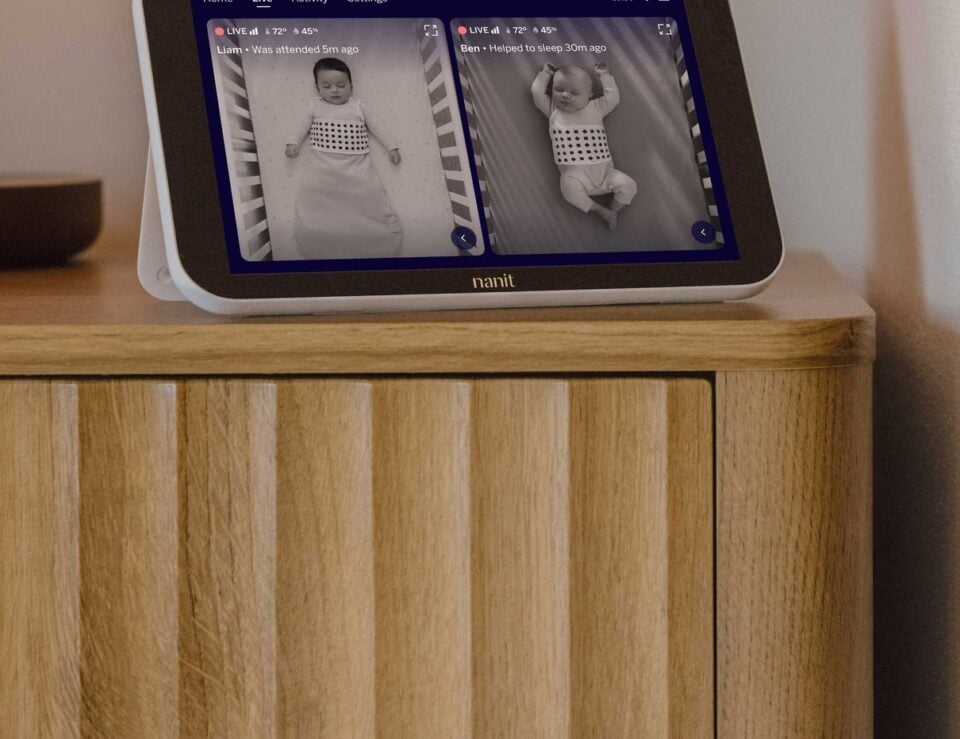
We map Nanit’s connected approach to baby monitoring, sleep insights and nursery equipment so first-time shoppers can see what the brand actually offers.
Choosing a baby monitor often starts with a simple need: a clearer view of the crib. Nanit builds from that starting point, but its range quickly expands into sleep data, breathing wear, safety notifications, mounting choices, a dedicated display and sound and light tools.
That makes Nanit interesting as a brand, not only as a camera maker. Its store presents a connected system intended to grow with changing routines. We have read the brand’s own product and feature pages to explain the logic, the named products that bring it to life and the limits a first-time reader should keep in view.
Disclosure: this post includes affiliate links, and we may be paid a commission on purchases made through them.
Highlights
- Nanit centers its range on the Smart Baby Monitor and app-based video, safety notifications and sleep tools.
- Breathing Band and Breathing Wear Swaddle add wearable monitoring components for families who want more than video.
- Sound + Light Machine, display and mounting options let families shape a setup around the nursery and their routines.
- Current pricing depends on the camera configuration, mount, accessories and optional Insights membership.
- The main tradeoff is ecosystem complexity: the deeper feature set may require extra products or a membership.
Nanit treats monitoring as a connected nursery system
The brand’s central idea is that a baby monitor can do more than stream video. The Smart Baby Monitor System pairs a camera with the Nanit app and, depending on the selected configuration, a floor stand or wall mount and an optional dedicated screen. Nanit says the system offers crystal-clear video, real-time notifications, sleep tracking and personalized insights.
That combination gives Nanit a clear point of difference in its own category story. Video is the visible layer; the app is where the brand places the broader record of sleep and nursery activity. The monitoring overview and feature pages show how the company connects camera feeds with age-based guidance, video history and safety tools.
- One account: the app keeps the camera and connected features in the same system.
- Several layers: families can use video alone or add sleep, breathing and nursery tools.
- A growing setup: mounts, displays and wearables can be added around a specific routine.
- Video: live viewing through supported mobile devices and other listed platforms.
- Safety: notifications and a wide-angle view designed to keep the sleep space visible.
- Sleep: tracking and personalized guidance available through the brand’s Insights offering.
- Breathing: compatible wearable products add a breathing-motion layer to the camera system.
The practical implication is important. A family looking only for a basic camera may not need every layer, while a family interested in a longer-term record of sleep and milestones may value the ecosystem. The Nanit app is therefore as important to understanding the brand as the hardware itself.
Smart Baby Monitor System brings video and data into one place
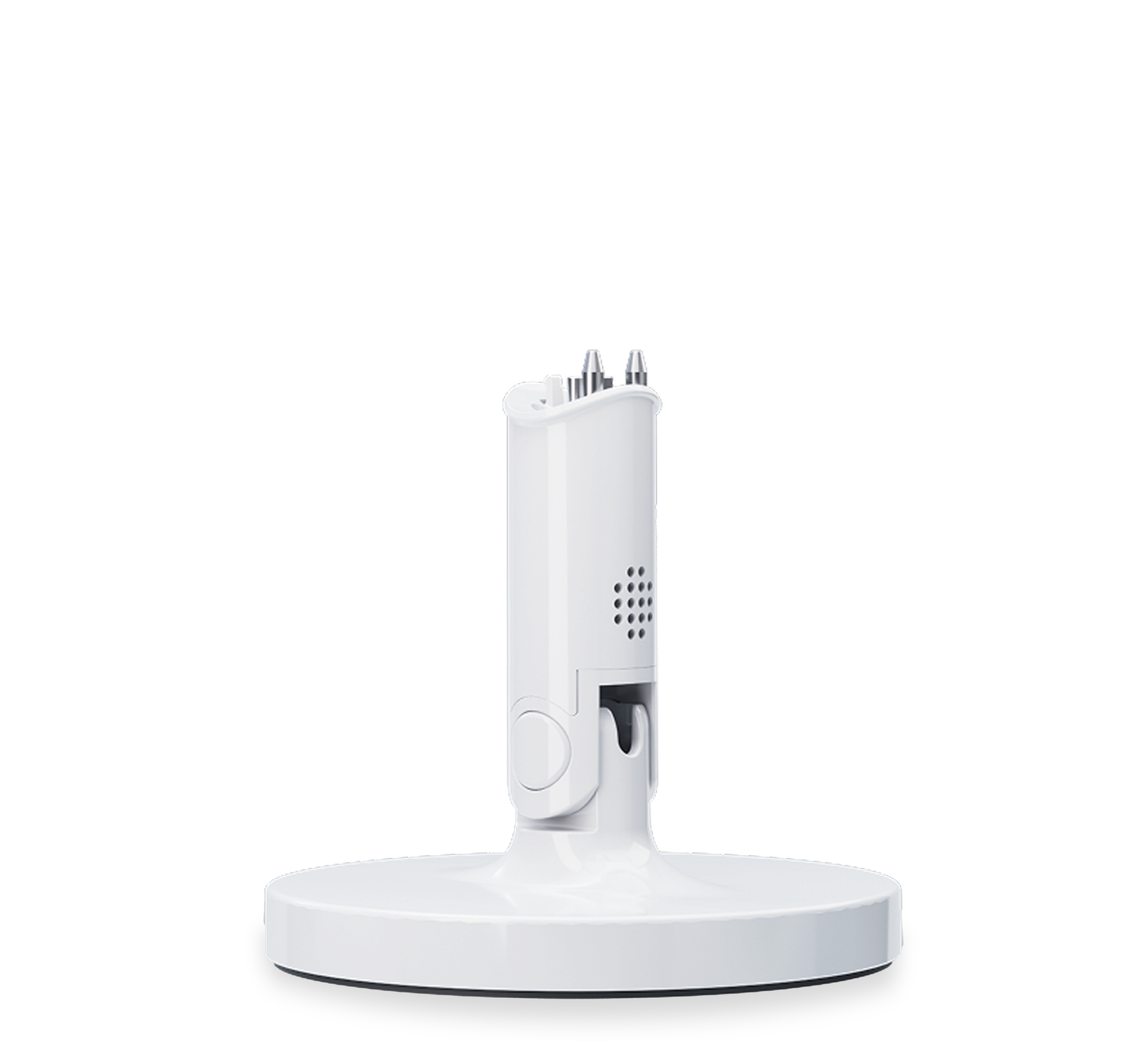
The Smart Baby Monitor System is the clearest expression of Nanit’s approach. The product page lists a Pro Camera, a floor stand, a Breathing Band for early use, a power cable and access to the Nanit app. It also states that the Wi-Fi experience works with iOS and Android devices, Alexa and Apple Watch, with a 2.4GHz Wi-Fi requirement.
For privacy-conscious households, Nanit says video feeds use end-to-end encryption and that multi-factor authentication is mandatory. Those are meaningful design choices to look for in a connected nursery product, although readers should still review the brand’s privacy and security information and make sure their home network and account practices are suitable.
Setup flexibility is part of the product’s appeal. A floor stand keeps the camera movable, while a wall mount can create a more permanent view above the crib. The product page also describes an ASTM-certified cord cover for the stand, which is the sort of practical detail that matters more than a glossy feature list once the camera enters a nursery.
- Choose the camera configuration and decide whether the sleep space needs a floor stand or wall-mounted position.
- Confirm that the home network meets Nanit’s stated Wi-Fi requirement.
- Install the app, account protections and notifications before relying on the system overnight.
- Review which Insights features are included and which require an optional membership.
Breathing Wear turns the camera into a broader monitoring story
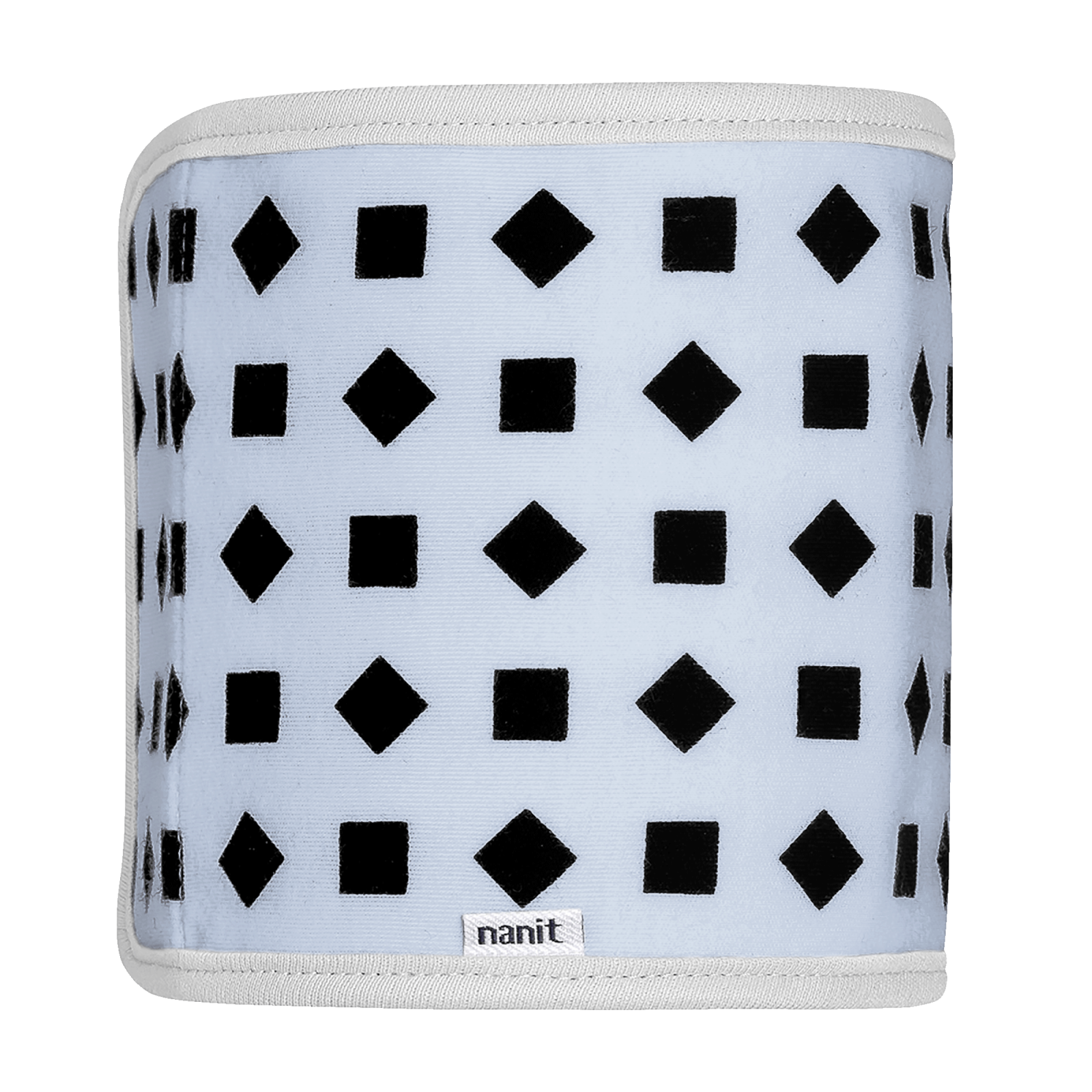
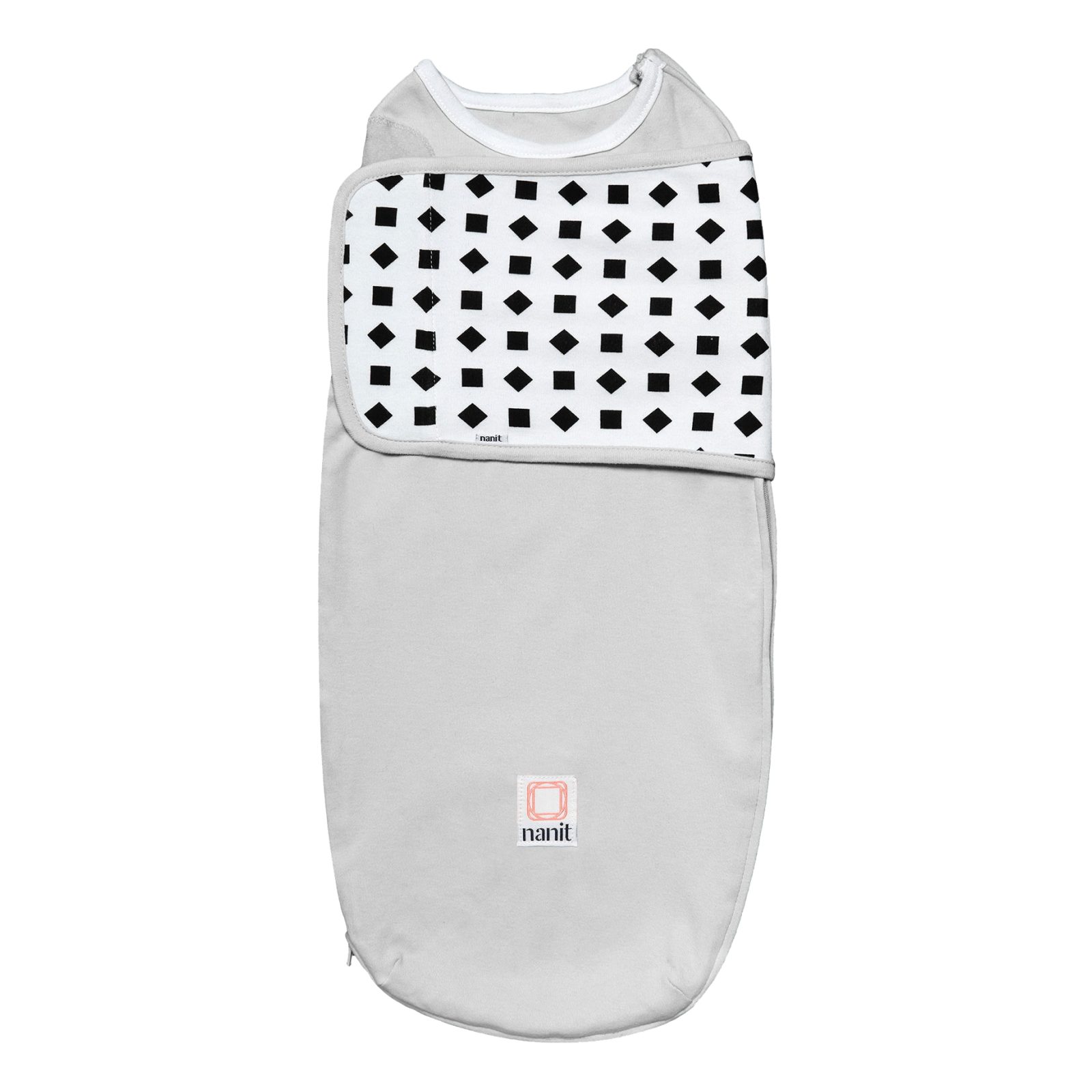
Nanit’s breathing range explains why the company sells more than cameras. The Breathing Band is a wearable accessory designed to work with compatible Nanit monitoring features, while the Breathing Wear Swaddle brings a swaddle format into the same conversation. The store also lists other breathing-wear garments for different stages and routines.
The value here is continuity. A family that wants breathing motion information can choose a format that fits its baby’s current routine, then revisit the range as that routine changes. The Breathing Wear collection is useful for comparing those formats, while each band page or swaddle page should be read for fit, care and compatibility details.
There is also a boundary worth stating plainly. Monitoring data is not a diagnosis, and Nanit’s wearable products should be used according to their instructions and age or size guidance. The brand’s breathing feature explanation can clarify intended use, but it does not replace medical advice or a caregiver’s judgment about a baby’s wellbeing.
- Use the product page to check the appropriate size and stage.
- Confirm compatibility with the specific Nanit camera and app features you plan to use.
- Follow care instructions so the wearable remains usable and comfortable.
- Treat alerts and readings as information within a monitoring system, not as medical diagnosis.
Nanit accessories shape how a family uses the core camera
The ecosystem becomes easier to understand when the supporting products are treated as practical choices rather than compulsory add-ons. A Floor Stand suits families who want flexibility around the nursery, while a Wall Mount suits a more fixed installation. The Flex Stand offers another portable setup for travel or rooms where drilling is not desirable.
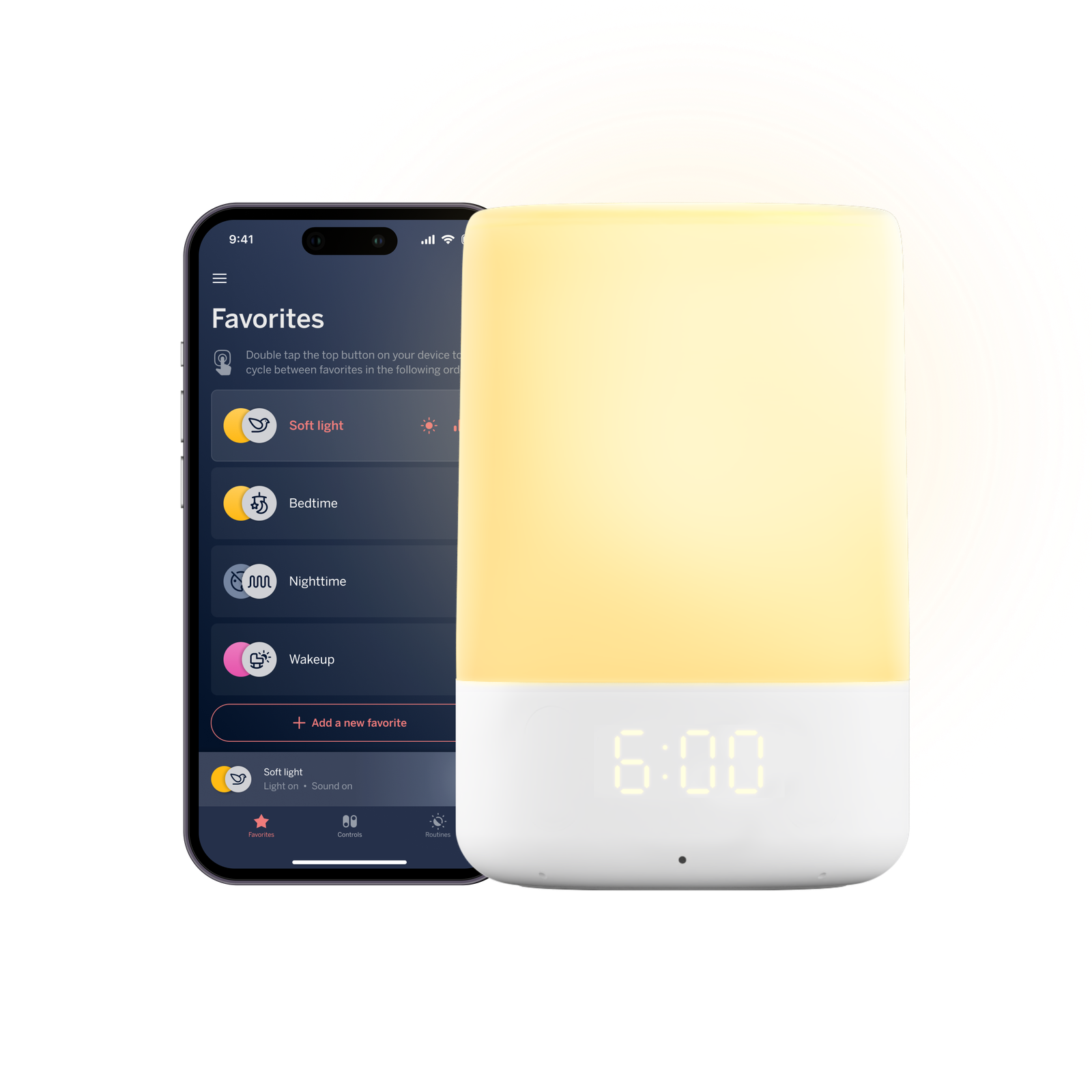
The Sound + Light Machine extends the brand into the sleep environment itself. Nanit describes it as a connected product controlled through its app, which means it belongs to the same routine-building story even though it is not a camera. A Home 8-inch Display can also reduce reliance on a phone when a dedicated screen is more convenient.
These choices make the range more adaptable, but they also create more decisions. The store’s mounts and stands section, display page and Sound + Light page are the right places to compare current compatibility and pricing. We would start with the camera position and daily routine, then add accessories only when they solve a specific problem.
- Small nursery: begin with the mounting option that preserves floor and crib-side space.
- Shared caregiving: consider whether app access or a dedicated display fits the household better.
- Travel: a portable stand may matter more than a permanent installation.
- Sleep routine: add sound and light controls only if one connected routine is useful to your family.
The Nanit model rewards a deliberate first setup
For a first-time reader, the most sensible way into Nanit is to separate essential decisions from optional depth. The camera and its position establish the basic experience. Breathing wear matters when that monitoring layer is relevant to the family. A display, sound machine or extra mount can wait until the room and routine show a clear reason.
Membership is another part of the cost picture. Nanit says its Insights plans add features such as sleep guidance, saved video history and growth tracking, with different plans aimed at different combinations of those tools. The membership information should be checked for current inclusions, billing and cancellation terms before a shopper counts those features as part of the base product.
This is where the brand’s strongest idea can become its main limitation. The system can grow with a family, but each extra layer adds a compatibility, cost or learning decision. That is not a reason to dismiss it. It is a reason to treat the full collection as a menu and build only the setup that matches the nursery.
Nanit makes sense for families who value connected context
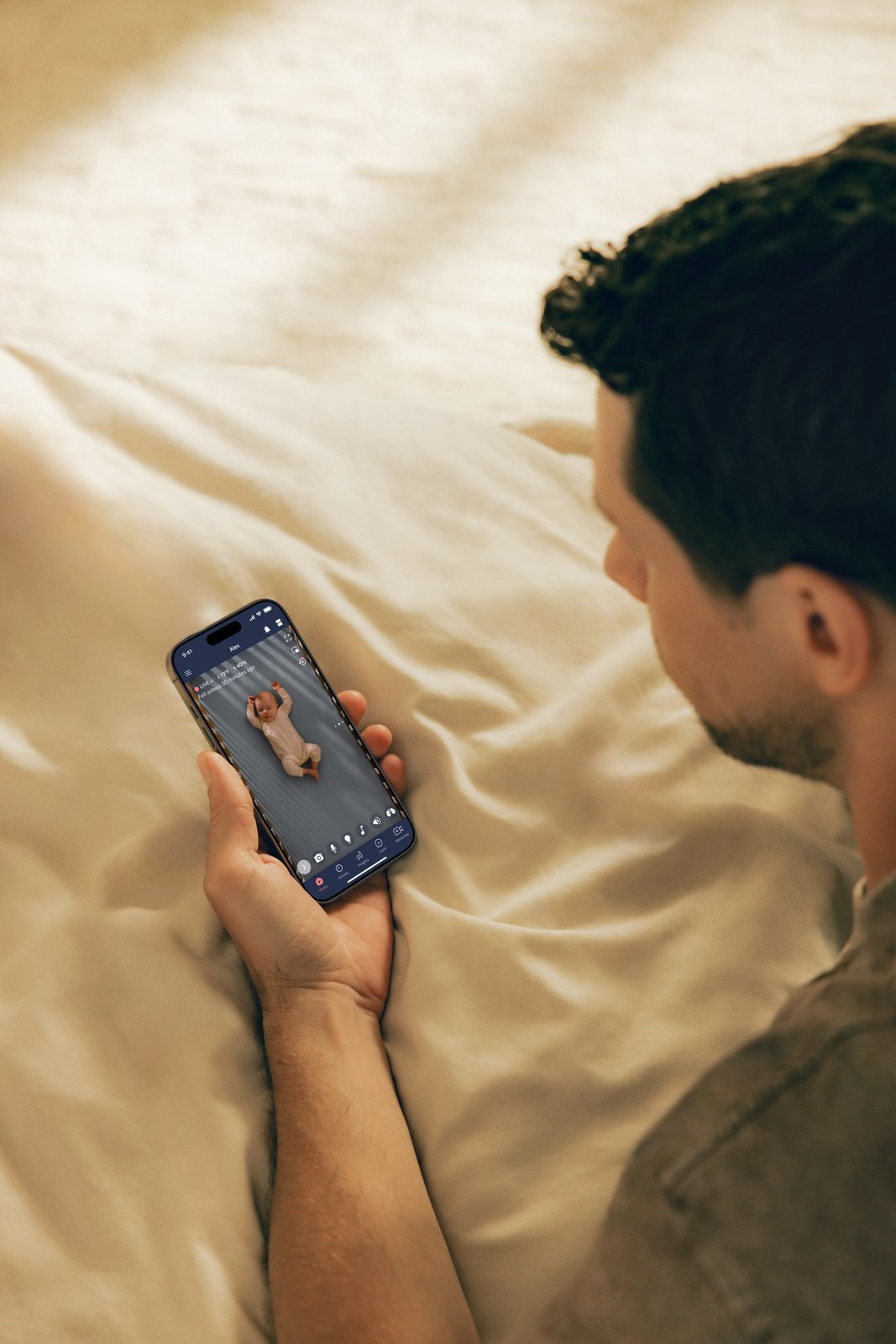
Nanit is best understood as a brand for families who want more context around a camera feed. Its products connect video, app notifications, sleep information, breathing wear and nursery accessories into one branded system. That coherence is the reason to look beyond the headline hardware and read the feature explanations and support resources.
- Best fit: families interested in connected monitoring and structured sleep information.
- More effort: shoppers who want to compare mounts, wearables, displays and membership features.
- Worth checking: the live store pages for compatibility, current pricing and terms.
It may be less compelling for someone who wants the simplest possible monitor with no app learning curve, membership consideration or accessory decisions. For that reader, the added ecosystem may feel like overhead. For a family that values remote viewing, structured sleep information and a setup that can change with the nursery, the range has a clearer reason to exist.
Does Nanit require a membership?
The camera and app provide the core monitoring experience, while Nanit says its optional Insights memberships add deeper sleep, memory and growth features. Check the current membership terms to see which tools are included in the plan you are considering.
Can the Nanit camera be mounted in different ways?
Yes. Nanit’s range includes floor, wall and flexible stand options, and the monitor page presents mounting as part of the configuration. The right choice depends on whether the nursery needs a fixed view, a movable setup or a travel-friendly position.
What should a first-time shopper check?
Check the camera configuration, Wi-Fi requirement, compatible wearable products, app features and any membership terms. Then review the live product pages for current pricing, availability, fit guidance and returns before choosing a complete setup.
Wrapping up
Nanit has a defined brand story: make baby monitoring more useful by joining video with sleep, breathing, safety and nursery tools. The Smart Baby Monitor System is the anchor, while Breathing Band, Breathing Wear Swaddle and Sound + Light show how the company builds outward from that anchor.
Our limitation is equally clear: the full system can be more involved than a basic camera, and some of the deeper value depends on optional products or membership features. For readers who want connected context and are prepared to choose selectively, Nanit’s US store is a sensible place to compare the range and check the current setup cost.