
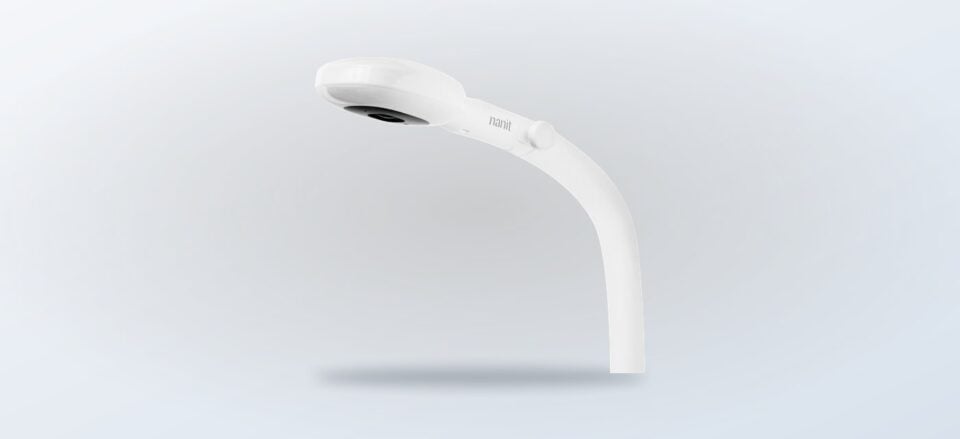
We break down Nanit’s monitor, breathing wear, display and bundle options so you can match the store offer to the way your nursery actually works.
Choosing a baby monitor is rarely just a question of camera quality. The useful decision is how you want to watch, where the monitor will sit, whether you need breathing-related features, and if a dedicated screen is more convenient than relying on a phone.
Nanit groups those decisions into a connected range of cameras, stands, breathing wear, displays and bundles. We are using the US store’s current product pages as the reference point, while leaving live pricing and availability to the store because those details can change.
Disclosure: this post includes affiliate links, and we may be paid a commission on purchases made through them.
Highlights
- Smart Baby Monitor + Flex Stand suits parents who want a monitor that can move between locations.
- Breathing Wear Sleeping Bag works with compatible Nanit monitoring features and is size-dependent.
- Home 8-inch Display adds a dedicated screen alongside the Nanit app.
- The Best Sellers Bundle combines core monitoring hardware with mounting and travel pieces; configuration affects what is included.
- The affiliate route leads to Nanit’s US store, where current pricing, stock, eligibility and offer terms should be checked before checkout.
Nanit connects video monitoring with nursery routines
The store positions Nanit as more than a standalone camera. Its product ecosystem is built around video monitoring, sleep information, breathing-related accessories and flexible placement. The exact experience depends on the selected hardware, compatible wear and any service features attached to the setup, so readers should verify the current product description before ordering.
- Video monitoring is the base use case for the camera range.
- Sleep insights are part of the brand’s broader app-led proposition.
- Breathing wear gives compatible monitoring features a wearable reference point.
- Placement options include Flex Stand, Floor Stand and Wall Mount routes.
- Screen choice can mean the Nanit app, the Home Display, or both.
That breadth is useful for a nursery that may change over time. A camera on a Smart Baby Monitor + Flex Stand can suit a temporary or portable arrangement, while a wall or floor solution may make more sense when the cot has a fixed position. Nanit’s monitoring collection lets shoppers compare those routes on the same store.
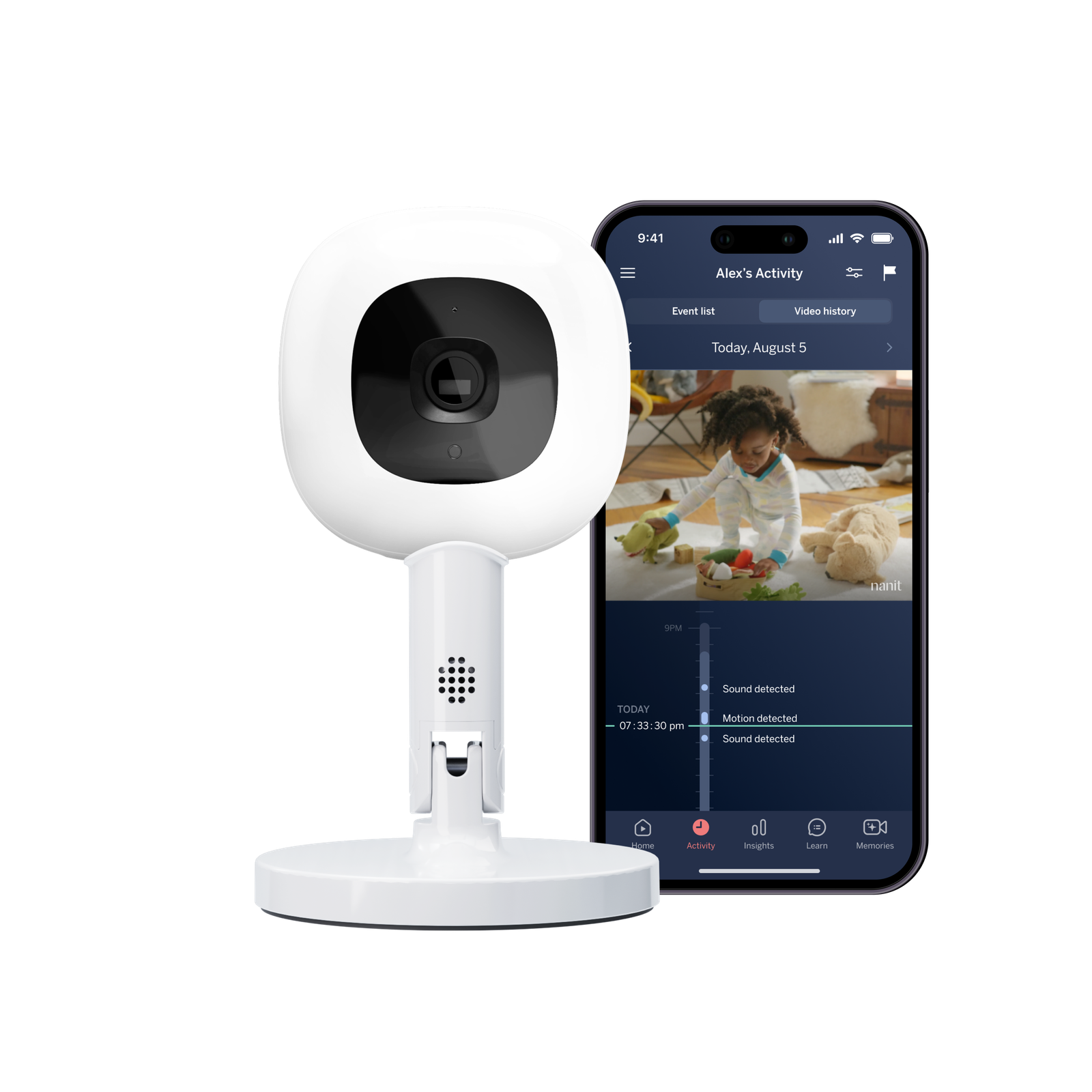
Smart Baby Monitor + Flex Stand gives mobile setups a clear starting point
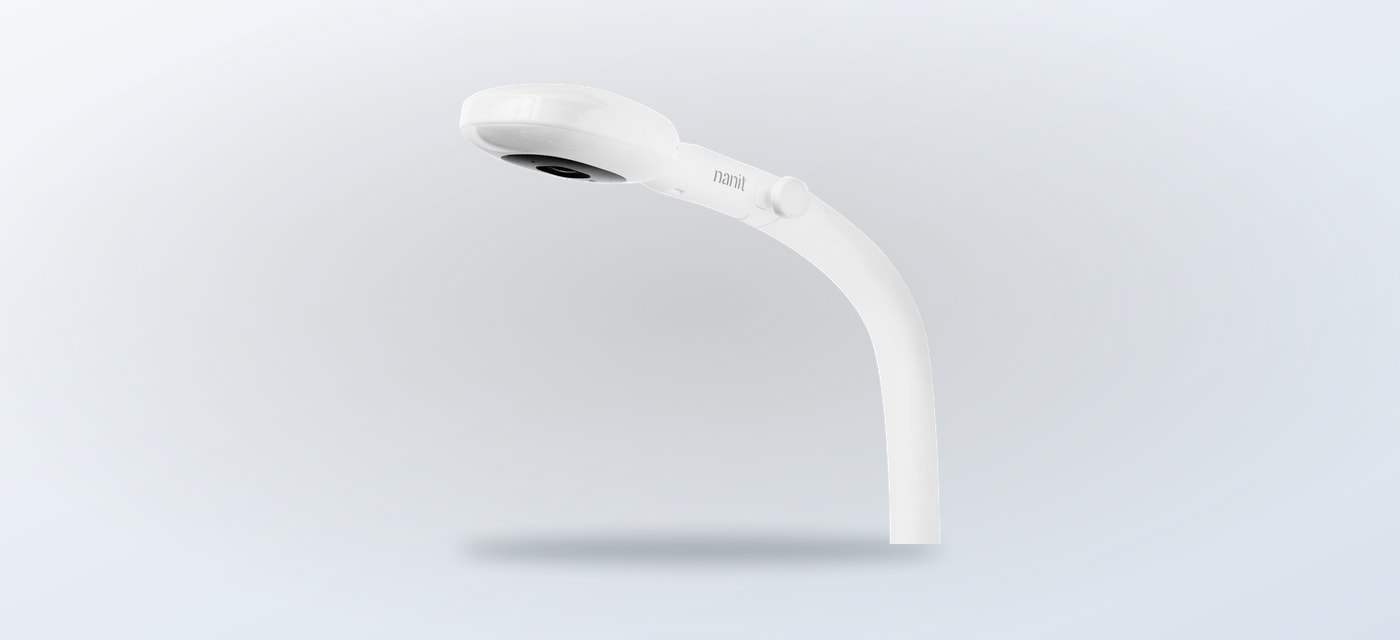
The Smart Baby Monitor + Flex Stand is a sensible fit when the camera needs to work around the room rather than stay attached to one permanent position. The Flex Stand is the defining practical detail: it supports a setup that can be adjusted or moved as the nursery layout changes. The store also presents the monitor as part of the wider Nanit camera range, so shoppers can compare it with wall and floor mounting.
Choose this route if flexible placement matters more than an all-in bundle. It can be a reasonable first step for a registry, a smaller room, or parents who expect to travel between rooms. The limit is equally clear: a flexible stand does not answer every mounting need, and buyers should confirm the included accessories, power arrangement and compatibility notes on the product page before checkout.
- Best fit: rooms that change or families wanting a movable setup.
- Useful detail: the Flex Stand avoids committing the camera to one mounting point.
- Check first: included accessories, placement clearance and current store availability.
Breathing Wear Sleeping Bag adds a wearable monitoring component
The Breathing Wear Sleeping Bag is for parents who want to use Nanit’s compatible breathing-related monitoring features with a wearable item rather than relying on the camera alone. The store describes the range around breathing motion, and the sleeping bag is designed to be used with the relevant Nanit system. It is therefore an accessory choice, not a replacement for the monitor.
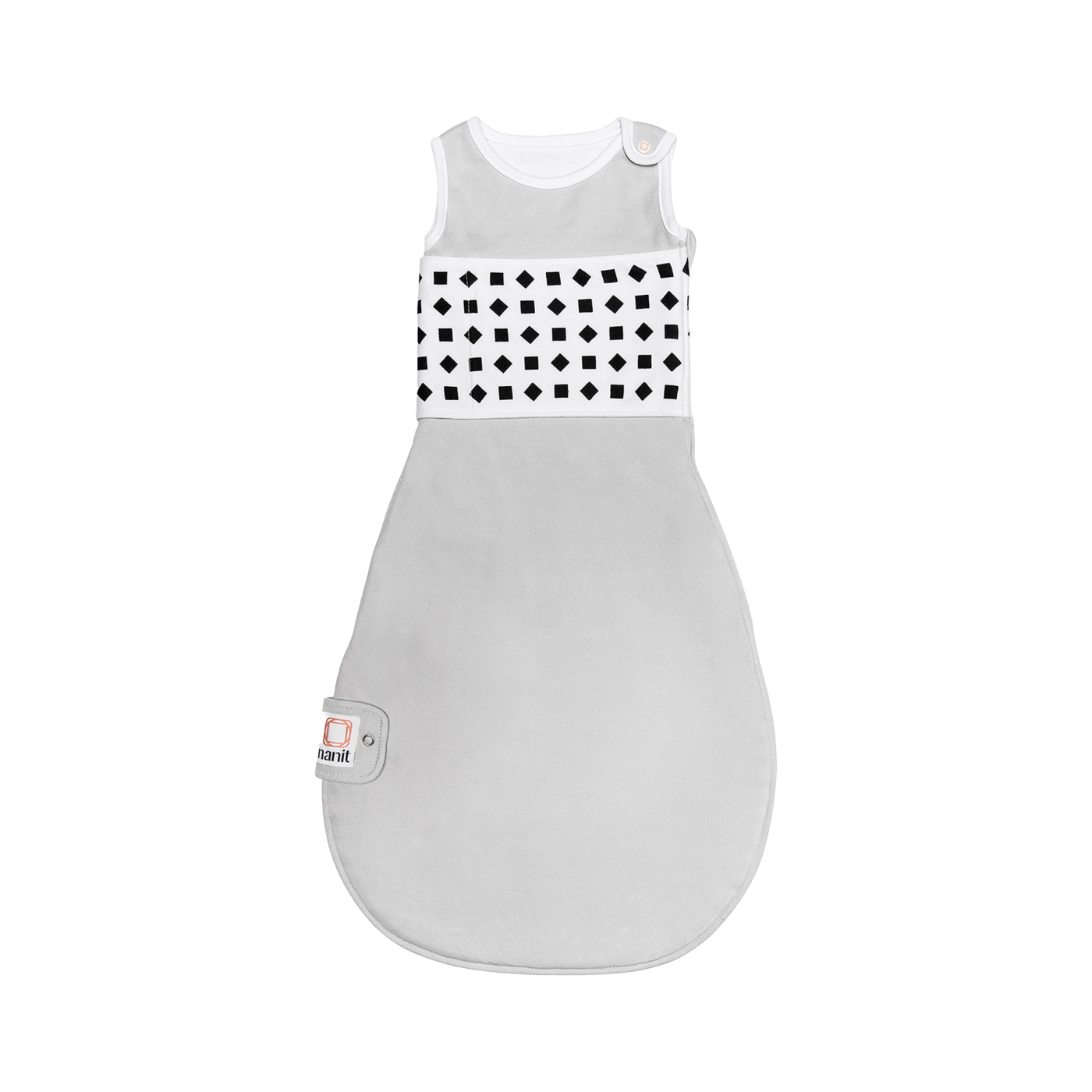
Its main benefit is integration. If a family is already choosing a compatible Nanit monitor, a suitable breathing-wear piece can make the wider system more relevant to bedtime routines. The restriction is fit: size, garment use and compatibility matter. Review the Breathing Wear Sleeping Bag details, including available sizes and care guidance, before treating it as part of a monitor purchase.
- Choose a compatible Nanit monitoring setup first.
- Check the sleeping bag size against the child’s current needs.
- Read the store’s usage and care information before adding it to the order.
- Keep the monitor’s safety and placement instructions in view.
Home 8-inch Display keeps monitoring visible without a phone
The Home 8-inch Display is aimed at households that want a dedicated screen in the home. It sits alongside the Nanit app rather than making the app irrelevant, which can be useful when one parent is using a phone or when a shared kitchen or living-room view is more practical. The store’s display page is the right place to confirm the current setup requirements.
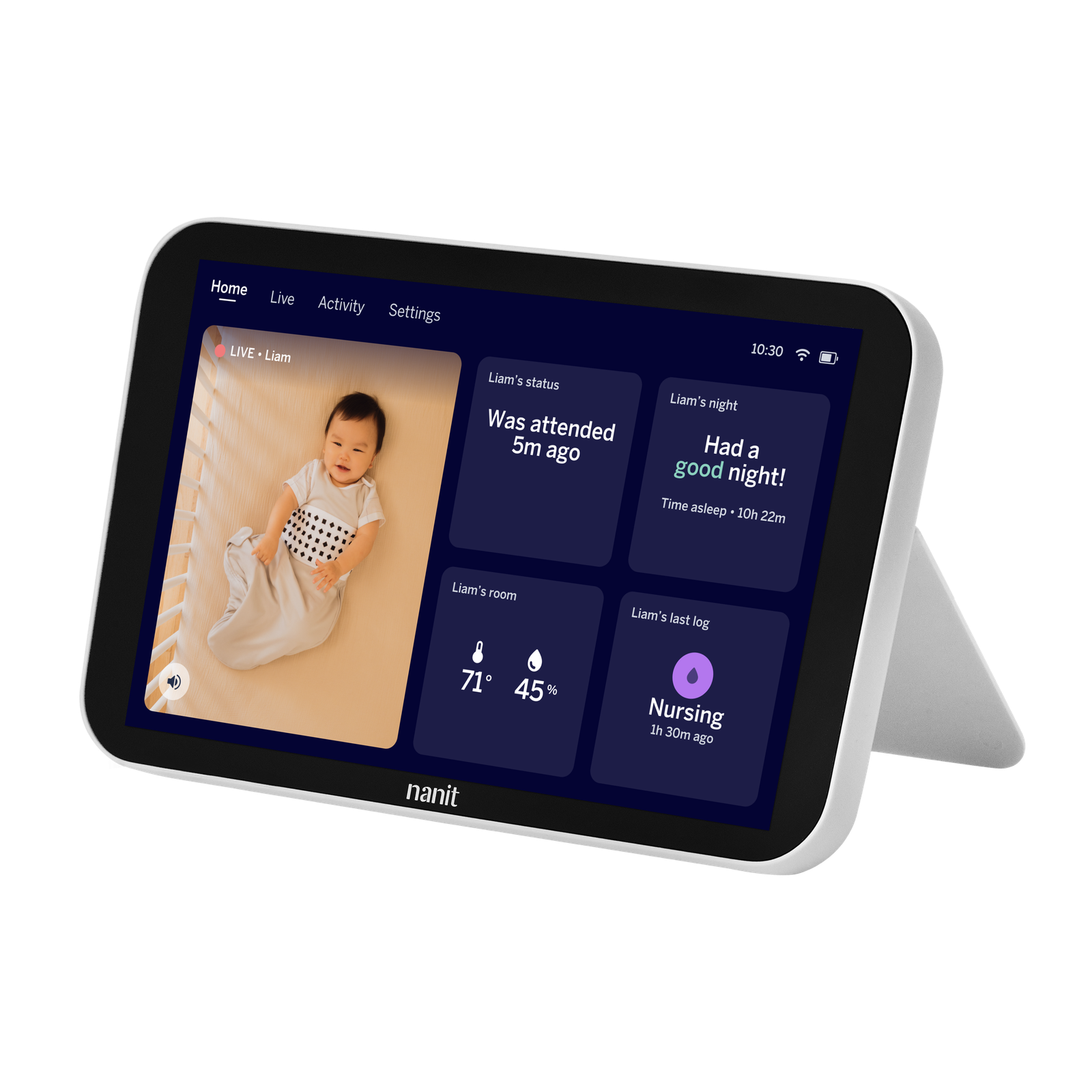
This option is strongest for readers who value at-a-glance access and do not want every check to begin with unlocking a phone. The trade-off is that it adds another piece of hardware and may make less sense for a minimalist setup. Before selecting it, compare the current Home Display configuration with the camera option you need, then check whether the store’s listed compatibility matches your existing equipment.
The Best Sellers Bundle reduces the work of building a complete setup
The The Best Sellers Bundle is designed for shoppers who would rather start with a coordinated group of essentials. Nanit’s page describes a set built around monitoring hardware, a Home Display, Flex Stand and Travel Case, with the exact configuration affecting what is included. That makes it relevant to a new nursery, a registry or a family planning for both home and travel use.
- Best fit: new setups where several pieces are needed together.
- Practical advantage: fewer separate product decisions at the start.
- Configuration check: camera, display, color and mounting selections can change the contents.
- Limitation: a bundle can include items you do not need if your nursery already has a display or stand.
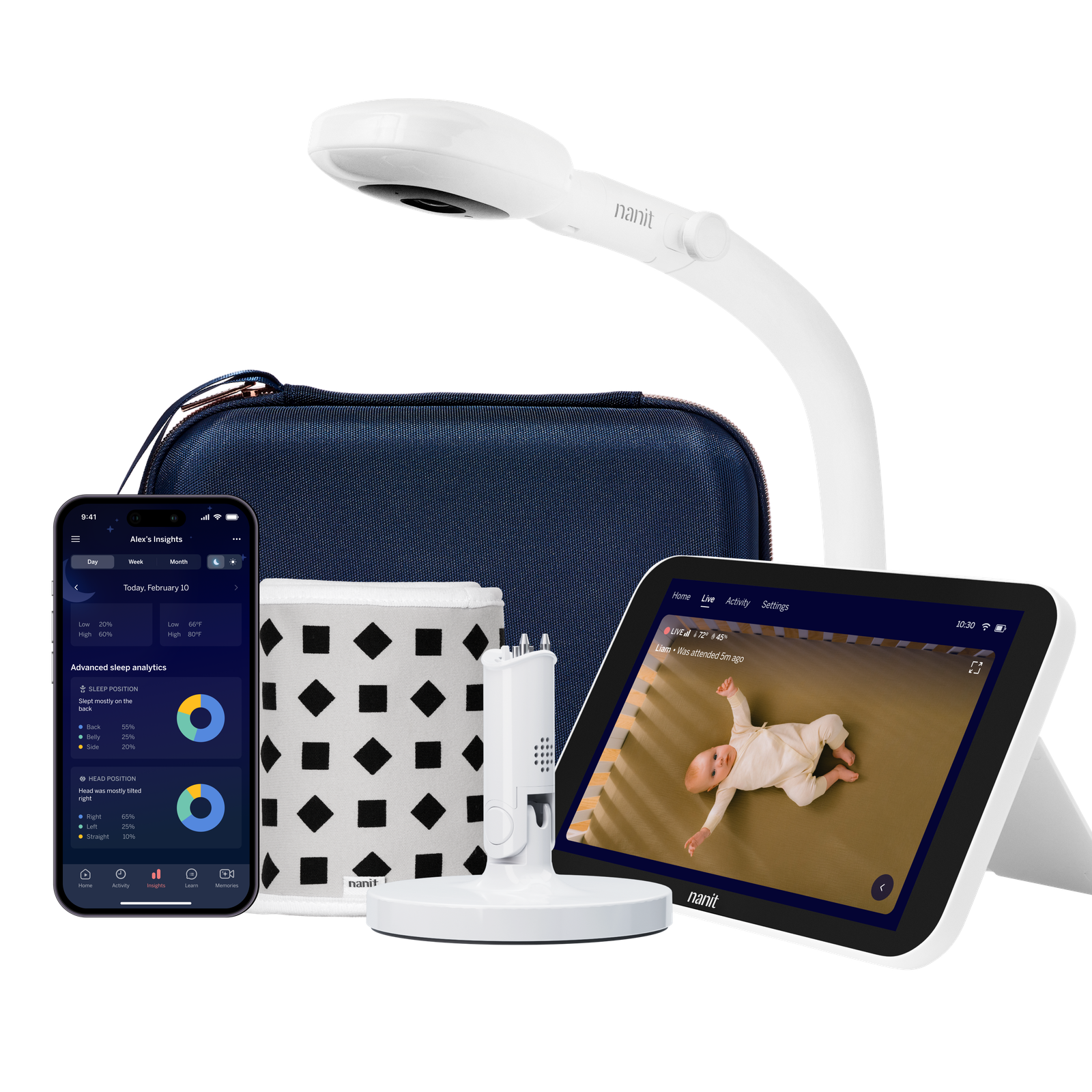
Bundle shoppers should read the variant selector carefully. A camera-only configuration is a different proposition from one that includes the display, and wall, floor or Flex Stand choices change how the finished nursery will work. Use the Nanit store collection to compare the bundle against individual items before committing.
Mounting and screen choices determine the real value of the offer
The best route depends less on the word “bundle” and more on the room. A fixed cot can favor a wall or floor solution, a changing room can favor the Flex Stand monitor, and a shared household may benefit from the Home Display. Nanit’s mounts and stands range helps make that decision concrete.
- For a fixed nursery: compare wall and floor placement with the cot position.
- For a flexible nursery: start with the Smart Baby Monitor + Flex Stand.
- For shared viewing: consider the Home 8-inch Display alongside app access.
- For a new parent setup: compare the Best Sellers Bundle with the pieces you already own.
Store terms and compatibility should be checked before checkout
The affiliate link in this article routes to Nanit’s US store. Any live offer, current price, stock status, variant availability, shipping terms or eligibility requirement is controlled by that store and can change. The safest process is to open the relevant product page, select the exact configuration, and read the restrictions shown there before paying.
- Open the Nanit store through the offer route.
- Choose the product or bundle that matches your room and monitoring needs.
- Confirm variant contents, sizing and compatibility on the exact monitor page, breathing-wear page or display page.
- Review any promotion rules, exclusions, delivery details and returns information displayed at checkout.
Does the offer include every Nanit accessory?
No. Individual product pages and bundle variants define what is included. A bundle can group several essentials, while a monitor, sleeping bag or display bought separately has its own contents. Check the selected variant rather than relying on the product title alone.
Can the Breathing Wear Sleeping Bag be used with any baby monitor?
It is intended for compatible Nanit monitoring features, so compatibility and size should be confirmed on the specific product page. It should not be treated as a universal monitoring accessory.
Is the Home Display necessary if I use the Nanit app?
Not necessarily. The display is most useful when a dedicated, shared screen fits your routine. If phone access is enough, an individual monitor setup may be the more focused choice. Compare the Home Display option with your existing habits.
Wrapping up
Our recommendation is simple: start with the Smart Baby Monitor + Flex Stand when flexibility matters, add the Breathing Wear Sleeping Bag only when its compatibility and size fit your needs, and consider the Best Sellers Bundle when you are starting from scratch.
The honest limitation is that the right Nanit offer depends on configuration. Live pricing, stock, promotion rules and included items can change, so the store page remains the final source for the order you are actually placing.